
3D catalog modeling for your e-commerce site
You have no 3D models. That's our starting point. Send us your product references, photos, drawings, technical files. We create the models. You own them.
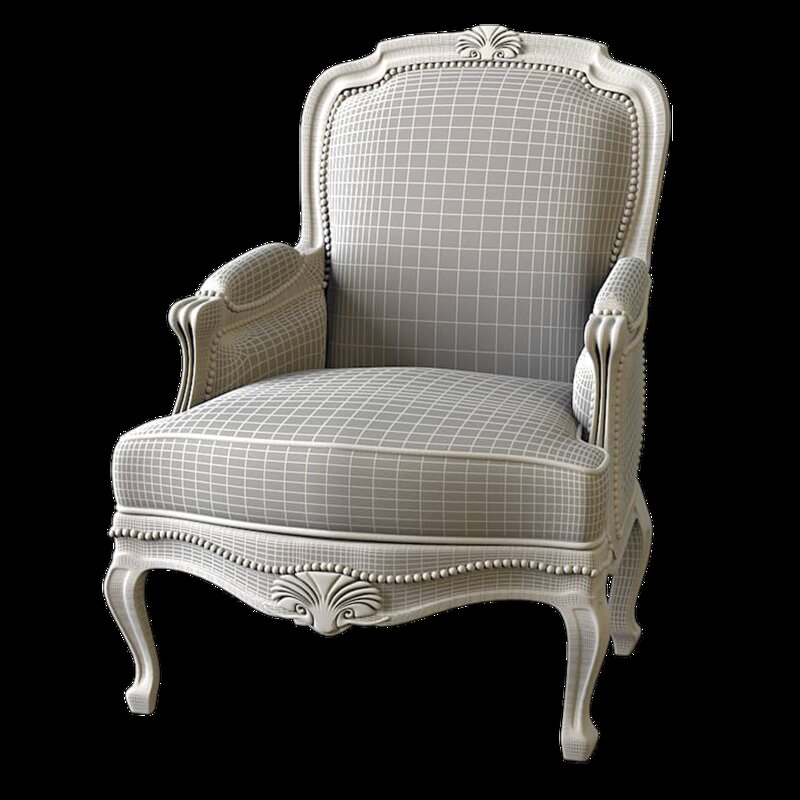
From raw shape to photorealistic rendering.
11 steps, one point of contact. We handle everything : you sign off at each key stage.


What you receive at the end of the project
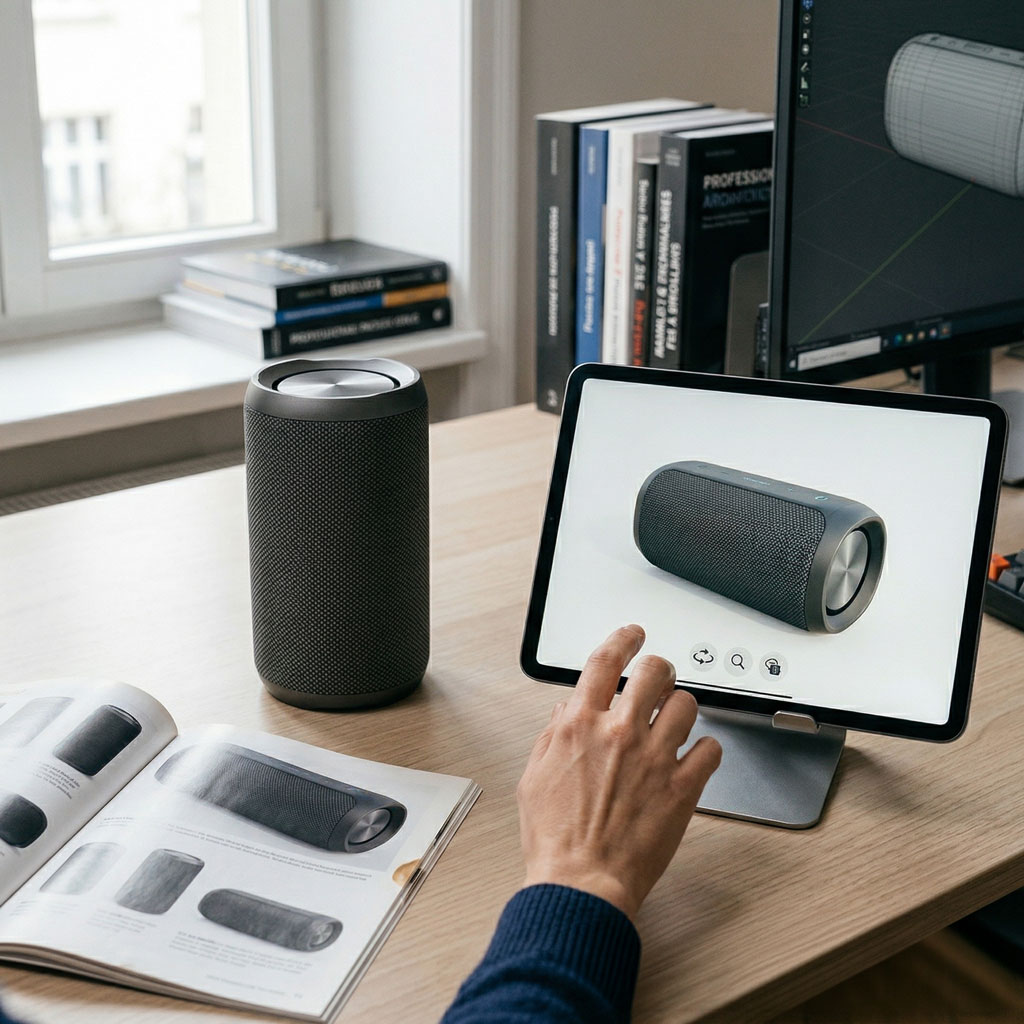
A model library that belongs to you
All 3D files created are delivered to you in industry-standard formats. You can reuse them for marketing, print, other platforms : no dependency on 3DVue.
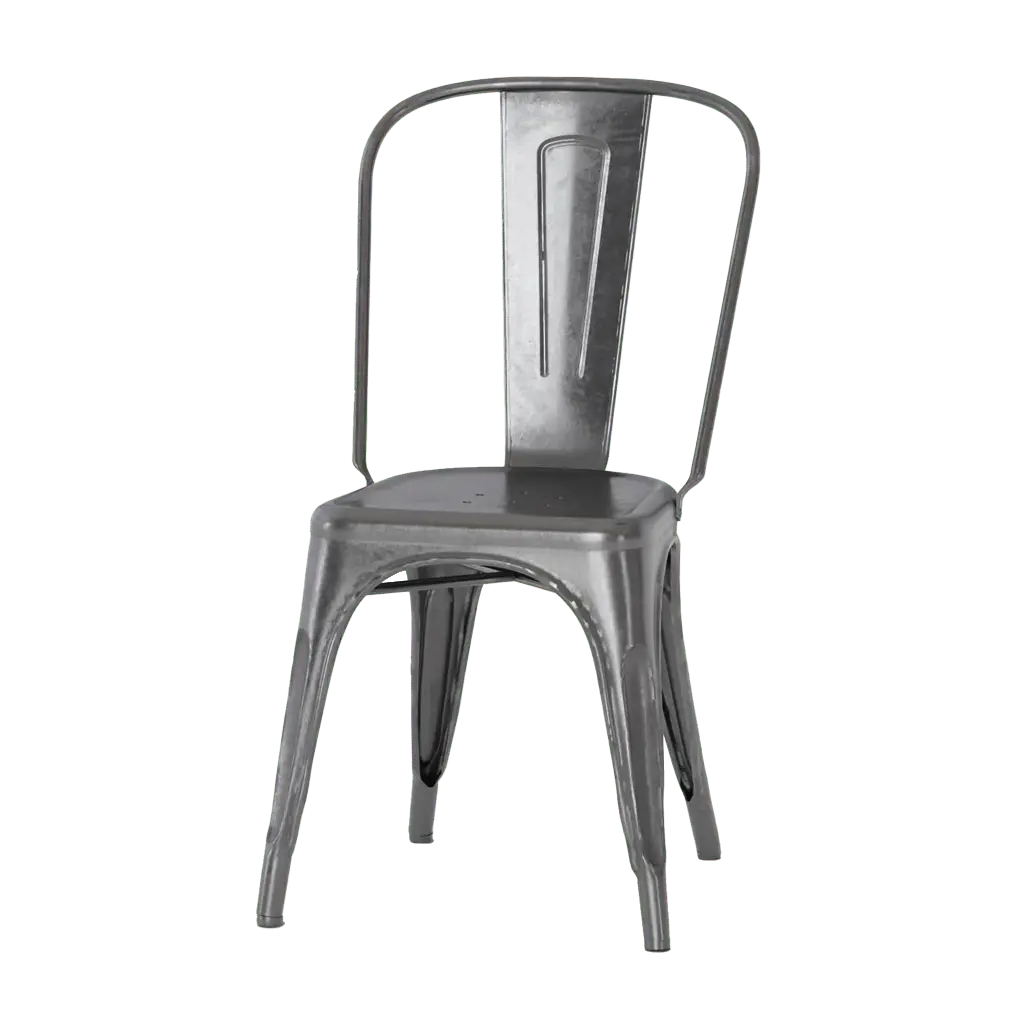
Optimized rendering, not a compromise
Each model is optimized for the web without sacrificing realism. Fast loading, photorealistic rendering, mobile compatibility and augmented reality guaranteed.
Your customers choose their fabric, their color,
their finish : and see the result in real time.
A 3D texture is an image applied to the surface of a 3D object to give it the appearance of a real material. In a product configurator, it lets your customers visualize every variant : color, material, finish : before placing an order. We integrate your materials directly into your configurator. You don't have to do anything.
What is the difference between a color, a texture and a 3D material?
A color applies a uniform tint across the entire surface : it is the most basic level. Useful for simple products, but insufficient to render leather, velvet or wood.
A texture is a 2D image repeated across the surface of the 3D object. It can represent a fabric pattern, a wood grain, a knit weave. It is what gives the impression of a pattern on the surface.
A 3D material goes much further. It combines several layered textures : color, relief, reflections, transparency : to recreate the exact physical properties of the real material. That is what your customers see spinning in real time in the configurator.
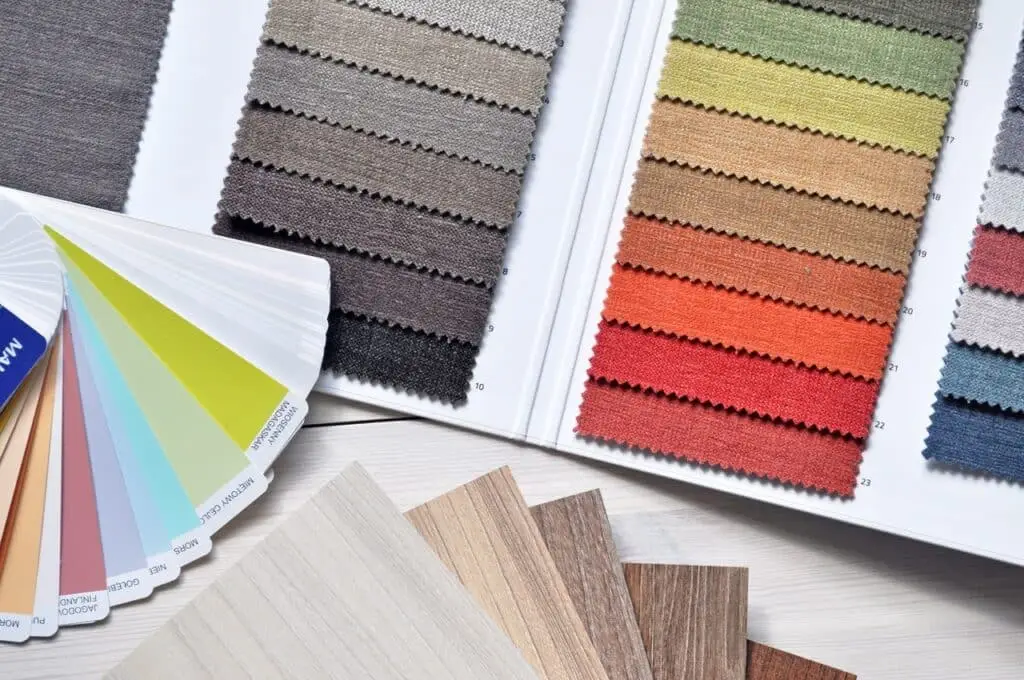
Fabric, RAL, wood, metal : each material is a separate file with its own optical properties.
How we apply your materials
to your 3D objects
Before applying a texture, the 3D model must be "unfolded" flat. That is the UV mapping step. Once done, every pixel of the texture knows exactly which part of the object it belongs on.
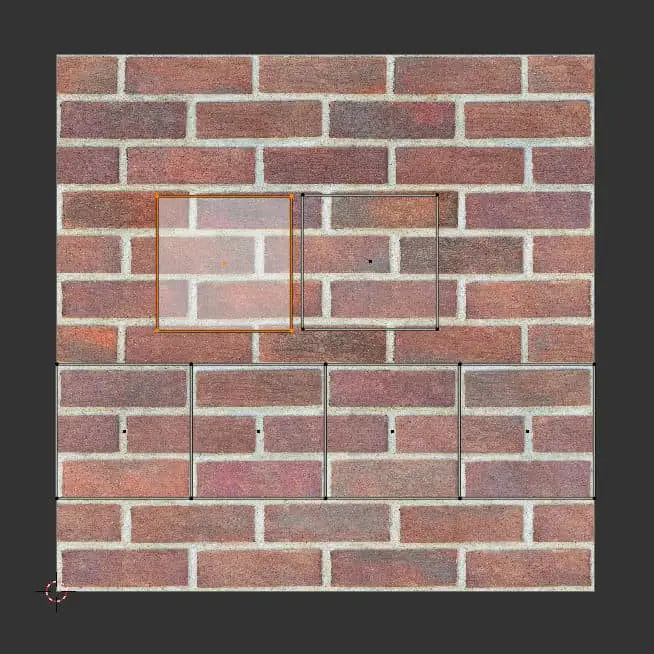
UV mapping : "unfolding" the object flat
Imagine cutting and unfolding your 3D object like a cardboard box. You end up with a "flat map" of all its surfaces. That is what we call a UV map.
We then place the texture over this map. Each area of the texture corresponds to a precise area of the object. Result: the texture is applied without distortion or stretching, exactly where we want it.
Poor UV mapping creates visible distortions : the pattern stretches or compresses on certain faces. It is one of the most technical steps in modeling. Our 3D artists handle it entirely.

Scale calibration : the detail that changes everything
A fabric texture applied at the wrong scale makes the result look unrealistic. Tiles that are 2 cm instead of 20 cm, and the entire credibility of the rendering collapses.
We calibrate every texture to the exact scale of your product. For a sports jersey, the weave must have the right grain. For a velvet sofa, the sheen must shift with the viewing angle.
It is this precision work that gives your products their realism : and that convinces the customer even before the item arrives.
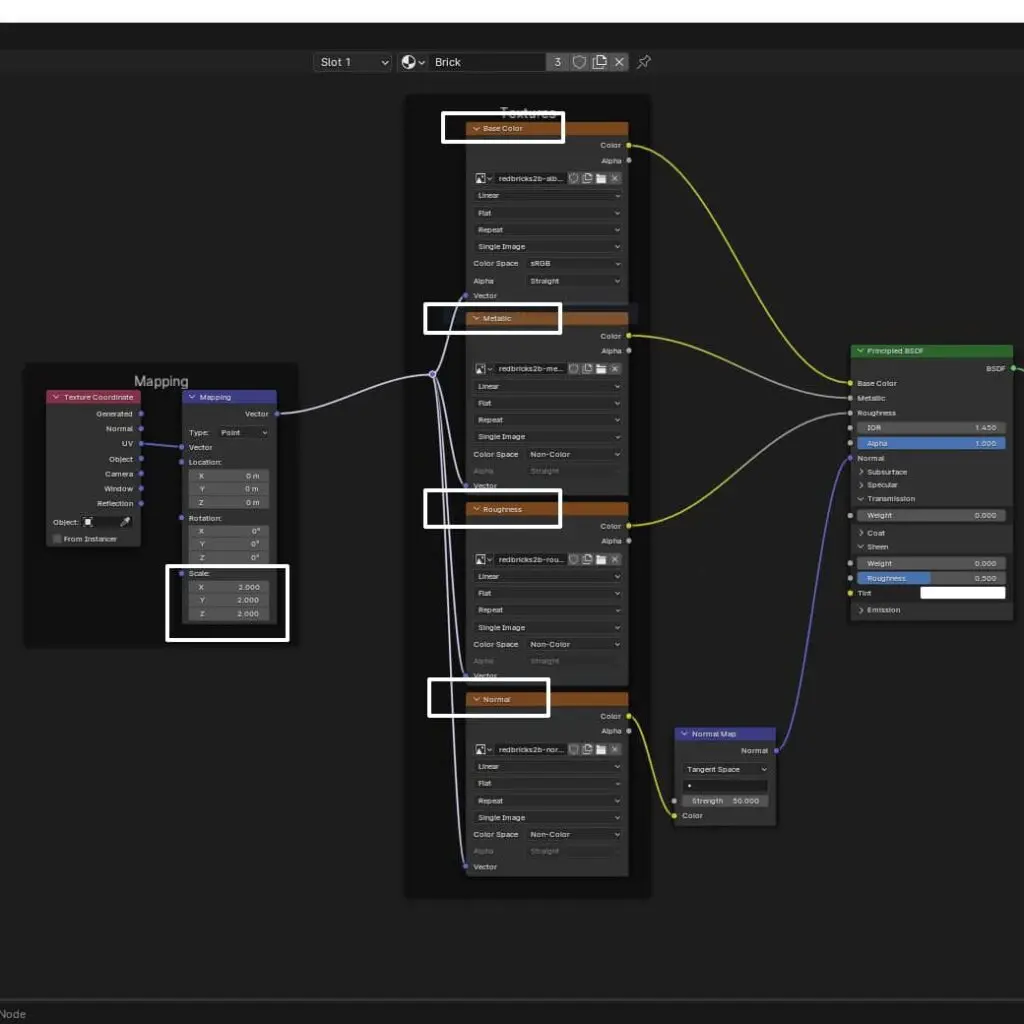
The shader : assembling the material layers
Each 3D material is built in software such as Blender through a node network. Each node controls one property of the material : its color, its shininess, its relief, its metallic reflections.
What we call "shading" is the step where all these layers are combined to produce the final result. It is an artistic as much as a technical step : and it is what makes the difference between a flat render and one that looks like a real photograph.
The different layers
of a realistic 3D material
PBR (Physically Based Rendering) is the standard technique for creating photorealistic 3D materials. It simulates the way light actually interacts with surfaces. Each PBR material is made up of several stacked layers.

Albedo : the base color
This is the "pure" color of the material, without reflections or shadows. For navy blue fabric, it is the exact shade of the thread. It is the first layer, the one that gives your product its color in the configurator.

Normal map : trompe-l'oeil relief
The normal map simulates relief on a flat surface. Without adding polygons, it tells the light how to bounce to create the illusion of bumps and grooves. A brick wall, a seam, a leather grain : all of this is created through normal mapping.

Roughness : gloss or matt?
The roughness map defines the shininess level zone by zone. White areas are matt, black areas are glossy. That is why polished leather looks different from nubuck leather, even with the same color.

Metalness : metallic reflections
Metalness tells us whether the surface is metallic or not. A metal reflects the surrounding environment : that is why 18-carat yellow gold looks different from white gold or platinum. Same base color, same metalness, but different roughness.
The material library : one material per product
We build your material library based on your products. Leather, fabric, velvet, wood, metal, ceramic, plastic, glass : each material is modeled with all its PBR layers and tested under different lighting conditions.
Once created, your library is reusable across all your models. Adding a new product? All your existing materials are immediately available for it.
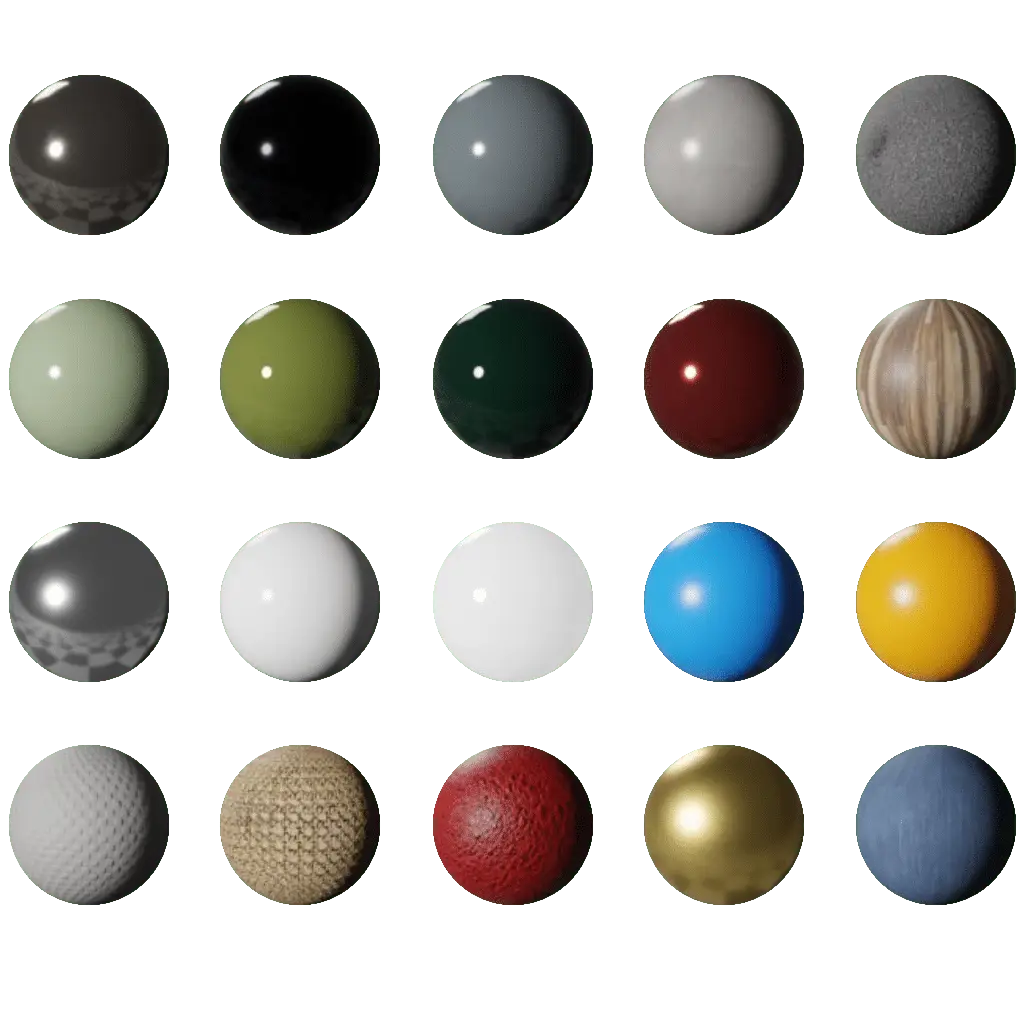
3DVue material library : fabric, leather, wood, metal, plastic, ceramic, glass. Each sphere is a complete PBR material.
What your customers see
in the configurator
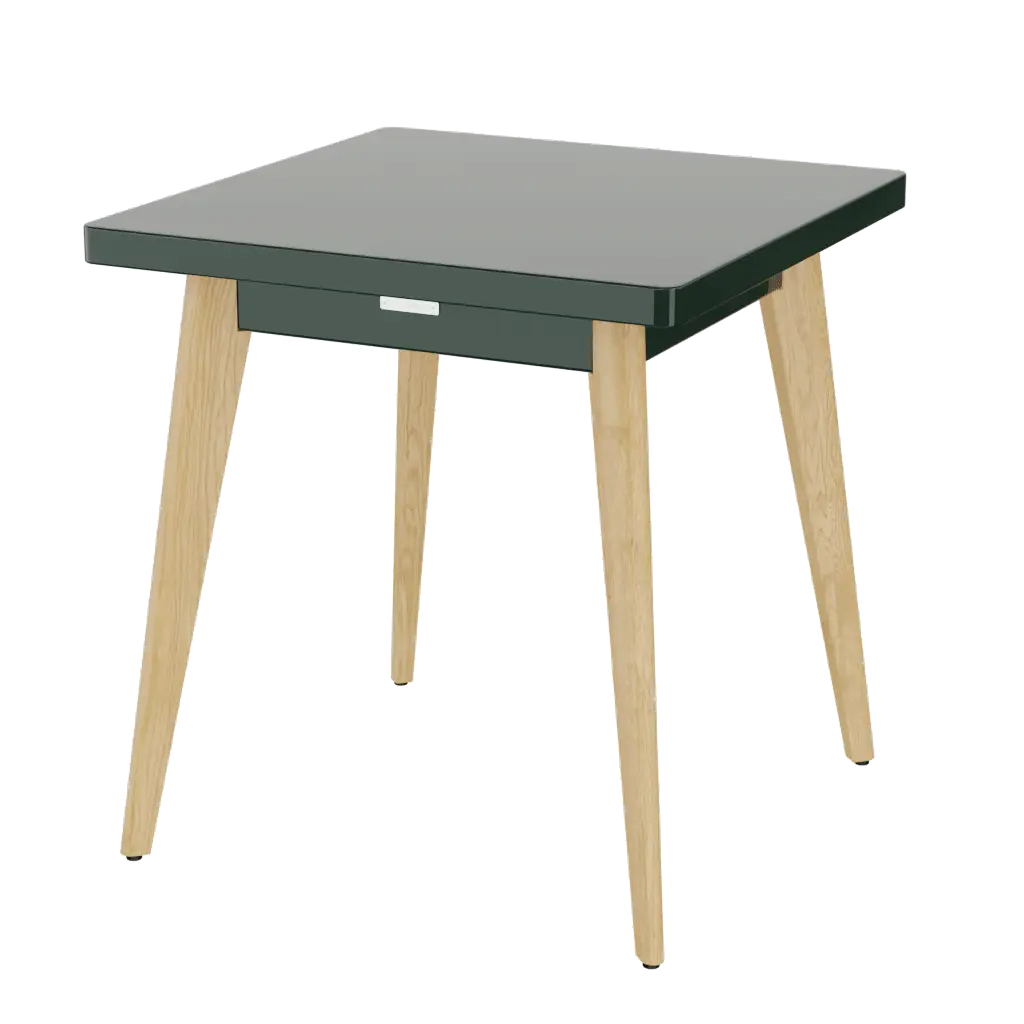
Tolix table : 8 RAL colors in real time
Your customer selects a color in the configurator. The model updates instantly : the lacquered paint reflects light differently for each shade. No additional photoshoot.
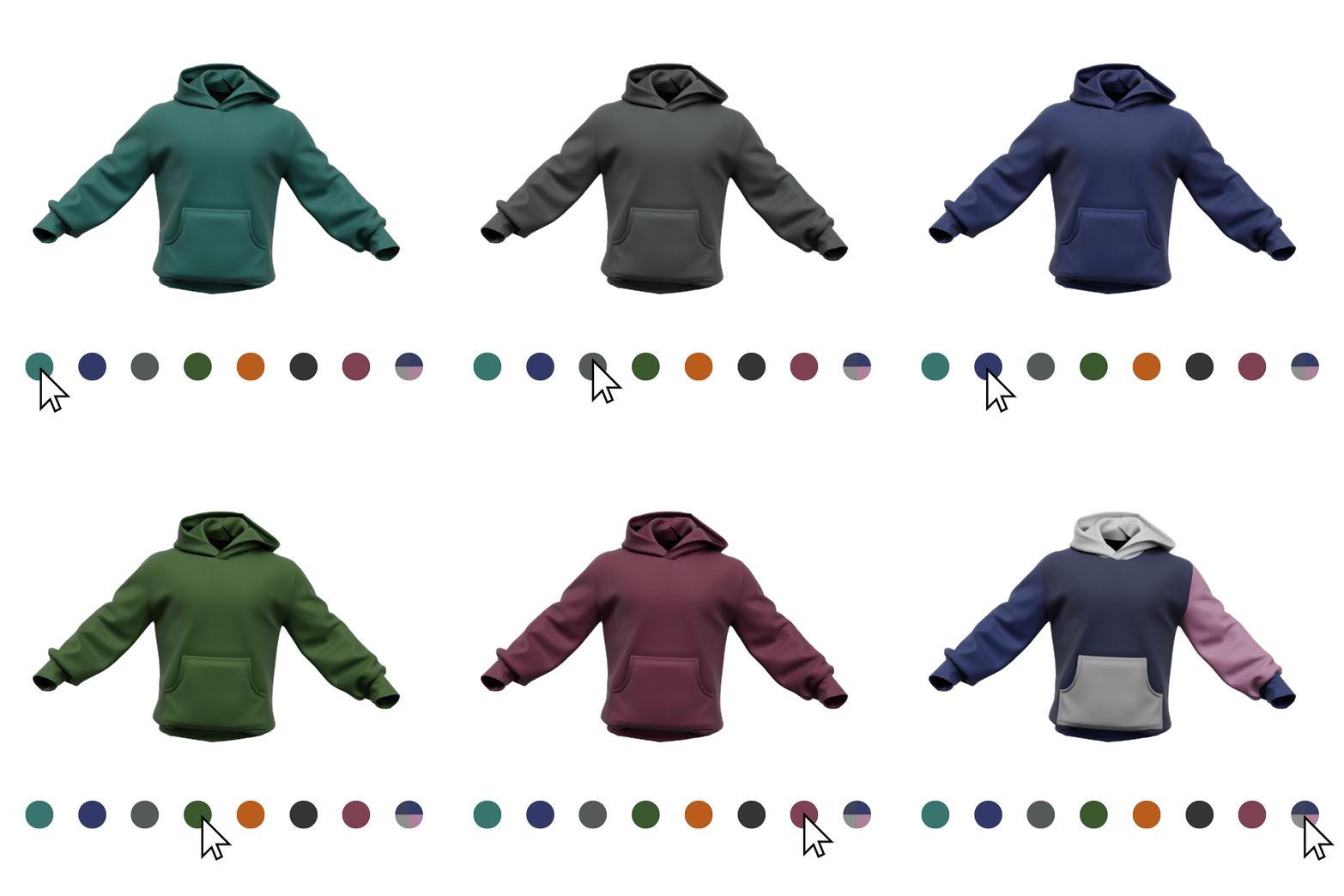
Hoodie : color, size and branding
The fabric changes color in real time. The weave grain remains visible in every shade : it is the normal map that maintains the relief. The branding appears at the exact position defined by your specifications.
You send your textures.
We handle the rest.
No 3D files or technical skills required. Send us your materials in whatever format you have : we convert, calibrate and integrate them into your configurator.
Send your textures
Physical samples to scan, JPG/PNG files of your fabrics, RAL or Pantone color codes, supplier references : we accept everything. We tell you exactly what we need after the first exchange.
Calibration and PBR build
We build each complete PBR material : albedo, normal map, roughness, metalness. We calibrate the pattern repeat to the exact scale of your product. We test under different lighting conditions to guarantee realism.
Direct integration into the configurator
Your materials are integrated into your configurator and immediately available to your customers. New color mid-season? We add it within 24h without touching your site.
Update your textures within 24h
Your collection is evolving? New color, new fabric, new finish : we update your 3D materials without touching your configurator. Your customers see the changes immediately, with no delay and no photoshoot cost.
Why model your catalog in 3D?
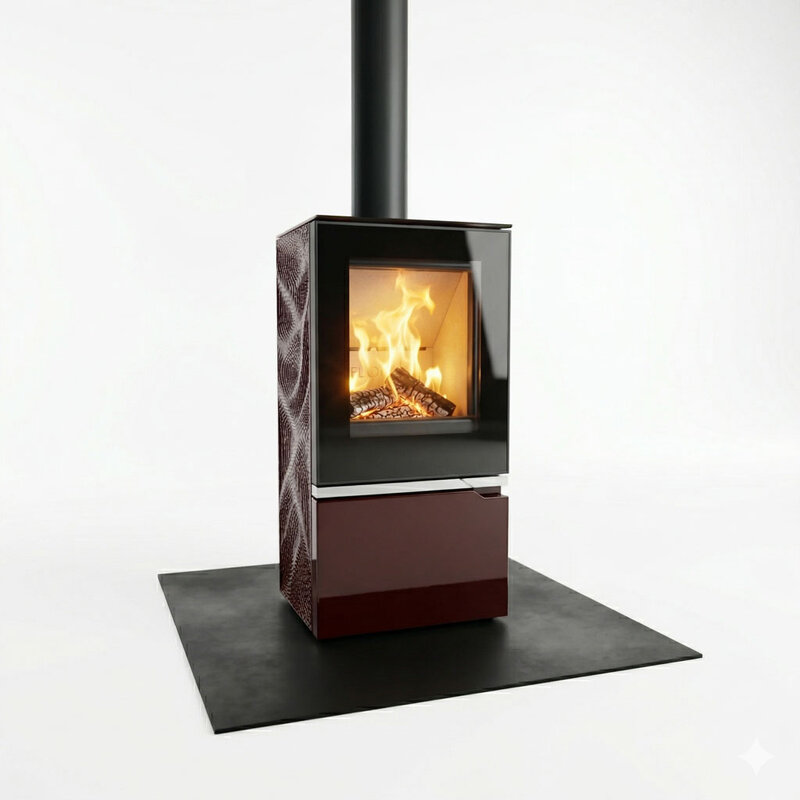
Stop redoing photoshoots every collection
A photoshoot is expensive, time-consuming and has to be repeated for every new color, fabric and reference. A 3D model covers all your variants without ever picking up a camera.
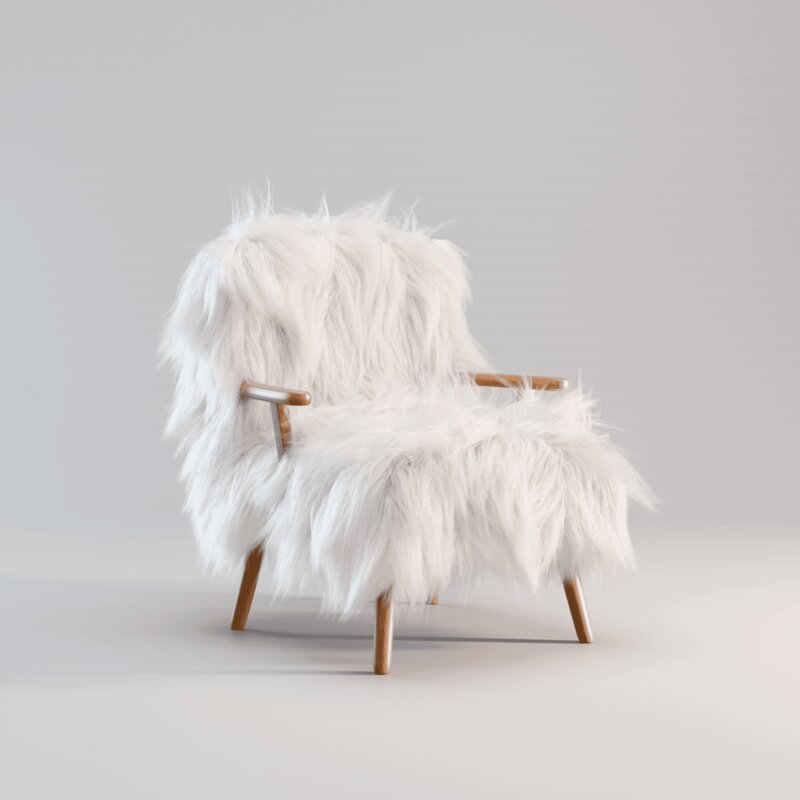
Create prototypes without physical production
Testing a new color, new fabric or new model no longer requires a physical prototype. The 3D model allows you to validate the rendering before any production : and to present it to customers from the design stage.
3D modeling digitizes your catalog.
The configurator lets your customers customize and order.
If your catalog has variants : colors, materials, components : the configurator page is made for you.
Discover the 3D configuratorAll your questions about 3D modeling and materials & textures for product configurators.
Book a meeting →I only have photos of my product. Is that enough?+
How long does it take to model a product?+
Do the 3D models belong to us?+
What input file formats do you accept?+
Are the models optimized for the web?+
Can a whole catalog be modeled?+
What is the difference between a texture and a 3D material?+
Can I integrate my own fabrics and finishes?+
How long does it take to add a new material or color?+
Do textures work on mobile and in augmented reality?+
What is PBR and why does it matter?+
Further reading
Related services
Modeling handled by
Send us your references.
We tell you what we can model.
Photos, drawings, technical files or a simple description : we start from whatever you have. In 30 minutes, we tell you what we can do and what it costs.